Research prototype · build 0.1.0 · 5 September 2026
Built for the room, not the crowd
Invitation-only messaging for adult membership groups
Request a pilot roomInvited to a room? Get the app
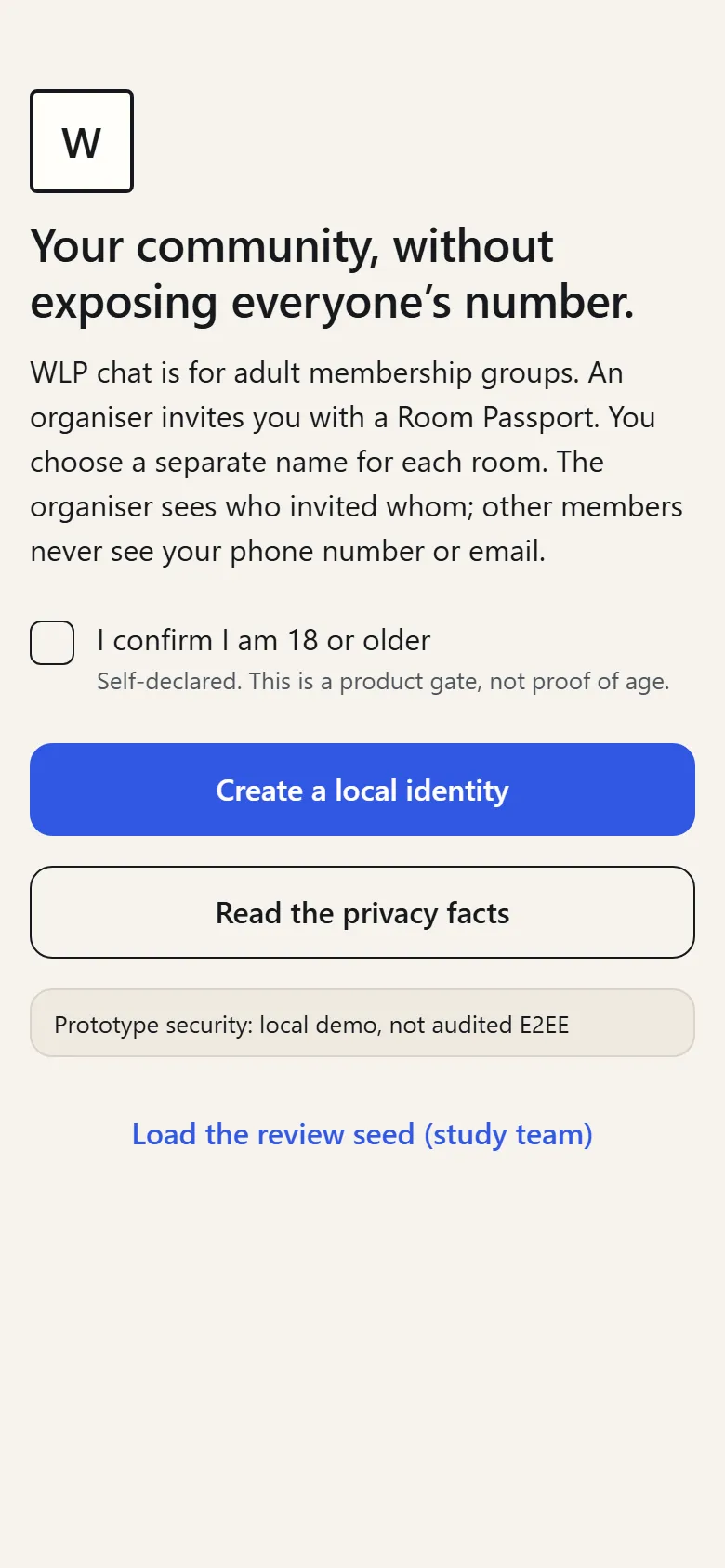
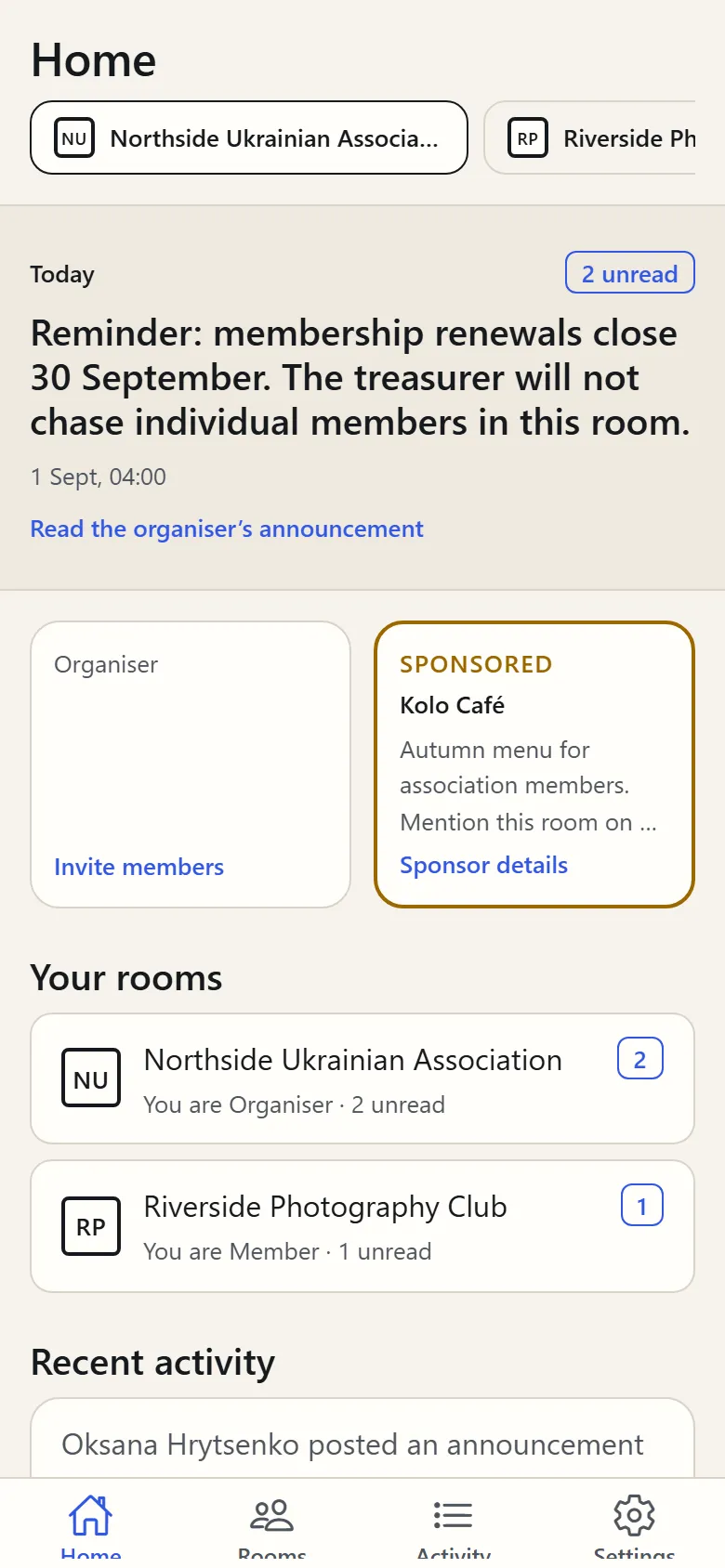
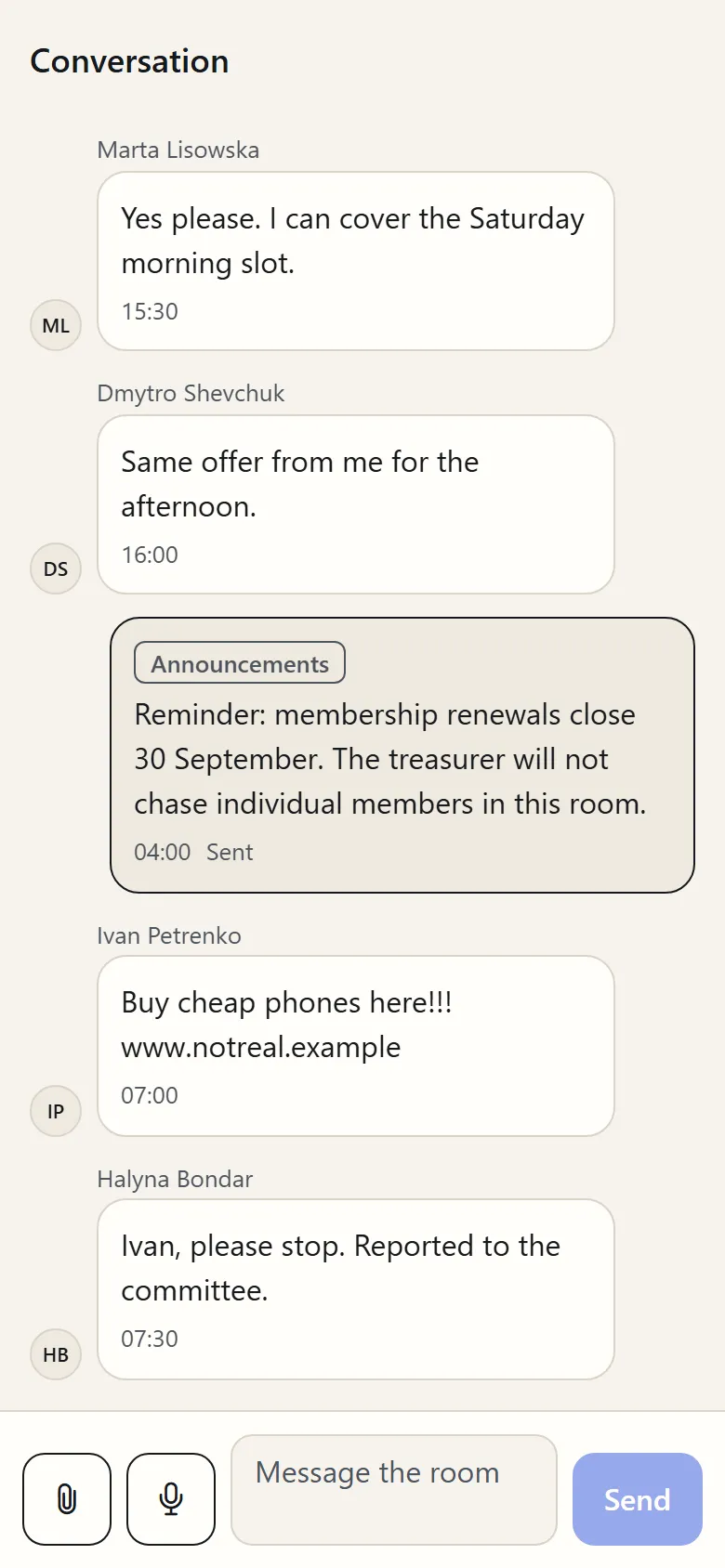
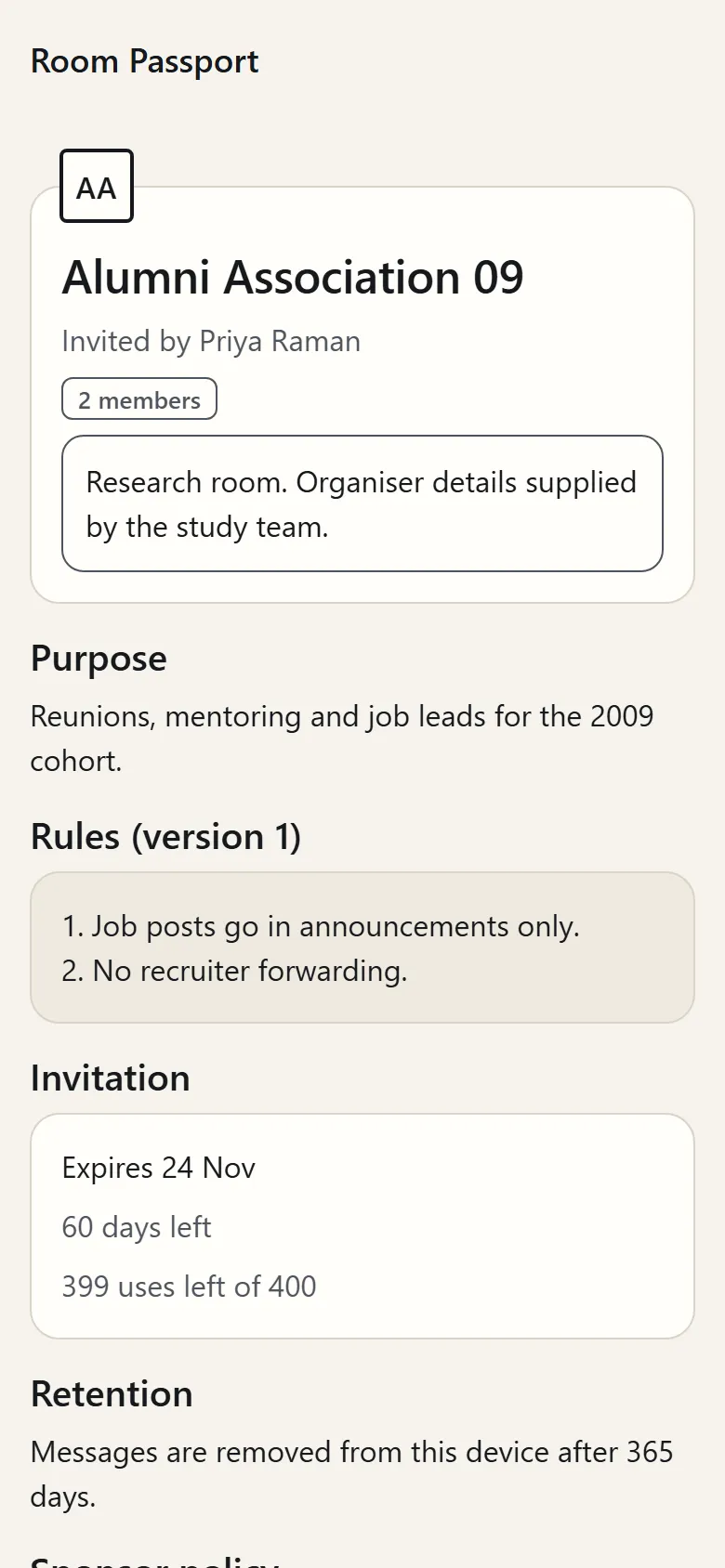
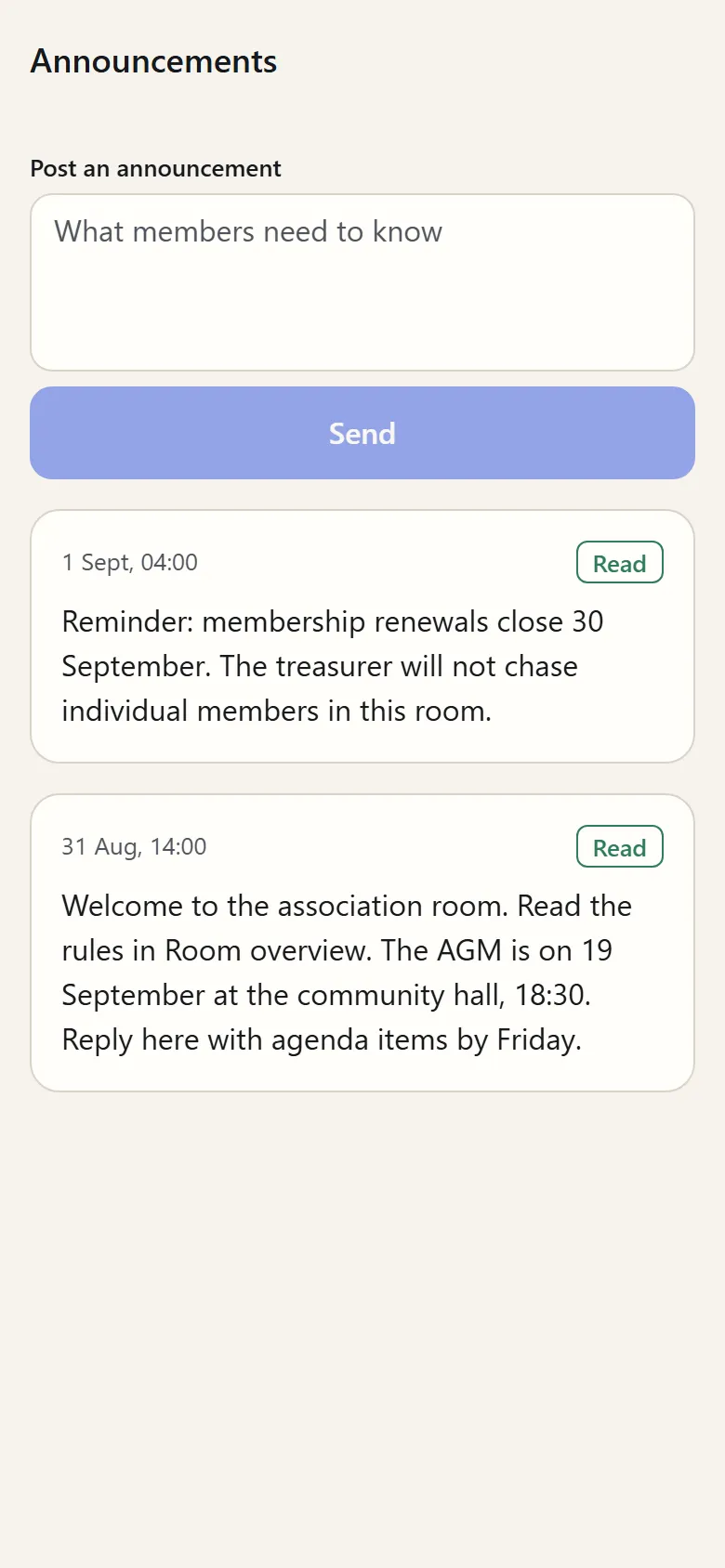
Real screens from build 0.1.0. Rooms, people and sponsors are from the review seed and fictional.
NO phone number, no email
The app never asks for either, so no one in your room can see them.
Security, stated plainly
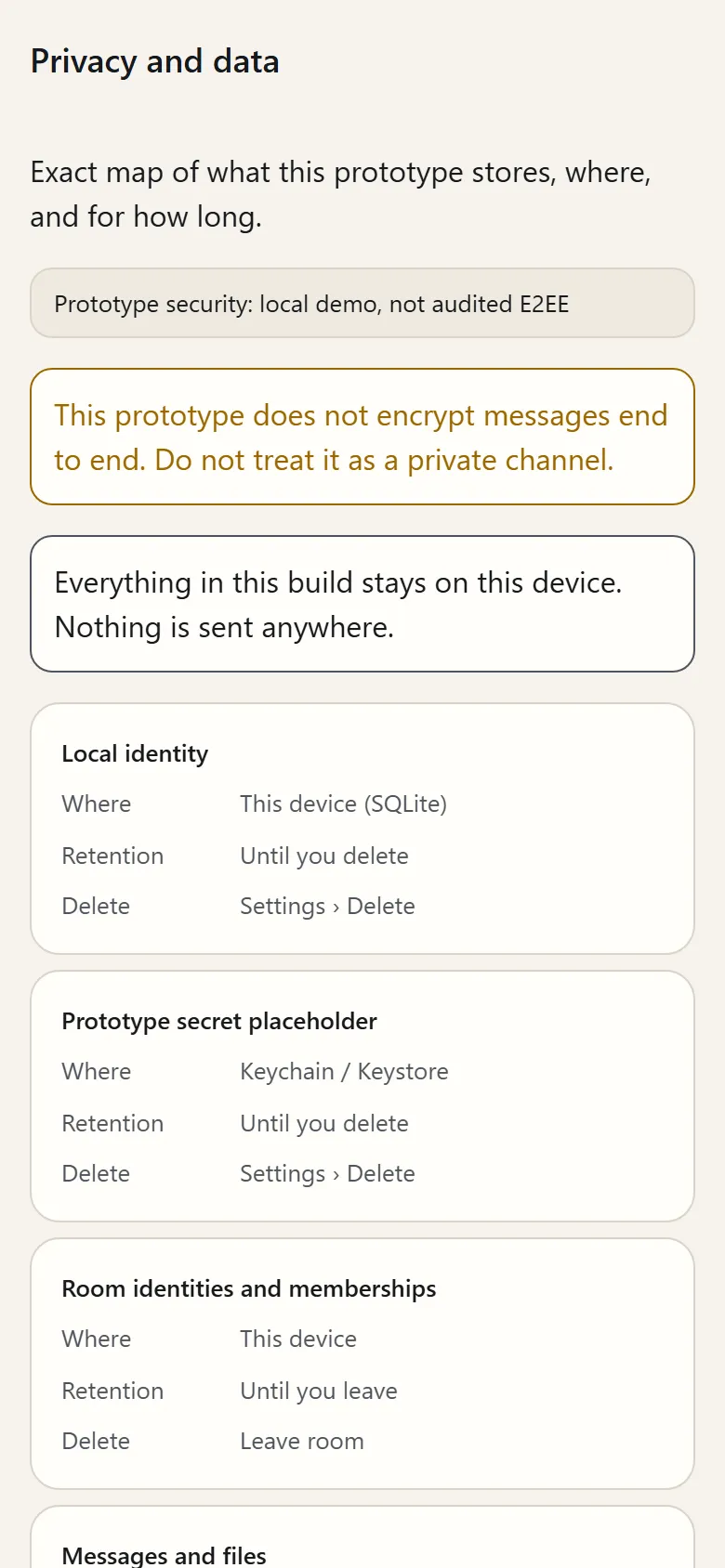
This prototype does not encrypt messages end to end. Do not treat it as a private channel.
- Today
- A research build that runs on one device. Nothing is sent over a network.
- Before any pilot room goes live
- The app adopts an established, reviewed encrypted messaging layer. We will not invent our own cryptography.
- Not claimed
- End-to-end encryption, or an independent audit. Every security screen in the app says so.
Prototype security: local demo, not audited E2EE. E2EE: end-to-end encryption.
Adults only
Every room is 18+. Self-declared, and the app says so.
18+
Invited, never found
No directory, no search, no contact upload. The only way in is a Room Passport from someone already inside, with an expiry and a use limit.
Everything stays on your phone
The research build sends nothing over a network. The app shows you a map of every item it stores, and how to delete it.
A different name in every room
Your room identity exists in that room only. The app warns you when you reuse one.
Sponsors are chosen for the room, not for you
One labelled tile on Home, picked by the organiser. Never from your messages, an advertising ID or your activity elsewhere. Hide it any time.
Sponsored
Kolo Café
Autumn menu for association members. Mention this room on your first visit.
Voice notes and files up to 10 MB
Photos, documents and recordings, in the room.
Who can see what
The Passport says this before you join. The first time you open the organiser’s announcements, the app asks three questions to check it made sense.
Other members
See your room name and mark, and what you post in this room.
Never see your phone number, your email, or the names you use in other rooms.
The organiser
Sees who invited you, and your activity in this room.
Never sees your phone number, your email, or the names you use in other rooms.
WLP chat
Will see routing and abuse metadata once the live service exists. In this research build, nothing leaves your phone.
Never sees your contacts, your advertising ID or your precise location.
What a Passport tells you
Before you accept anything.
Example · fictional room from the app’s review seed
Alumni Association 09
Invited by Priya Raman
- Purpose
- Reunions, mentoring and job leads for the 2009 cohort.
- Rules, version 1
- Job posts go in announcements only.
- No recruiter forwarding.
- Invitation
- Expires 24 Nov. 60 days left, 399 uses left of 400.
- Retention
- Messages are removed from this device after 365 days.
- Sponsor policy
- One organiser-approved sponsor tile on Home. Hide or report it at any time.
Everything you expect from a group messenger
And a few things you don’t.
Room conversation
Text, replies, reactions and voice notes, with announcements pinned in the flow.
Announcements first
The organiser’s newest post sits at the top of Home with a read state. No feed to scroll.
Works when you’re offline
A message you send offline waits as Pending and goes out when you reconnect.
Three languages
English, Ukrainian and Russian, switchable in Settings.
Recovery kit
An export that says exactly what it can restore and what it cannot.
Help from people
The study team answers support messages. You need no account, only an email address for the reply.
Run a group?
Invite manager
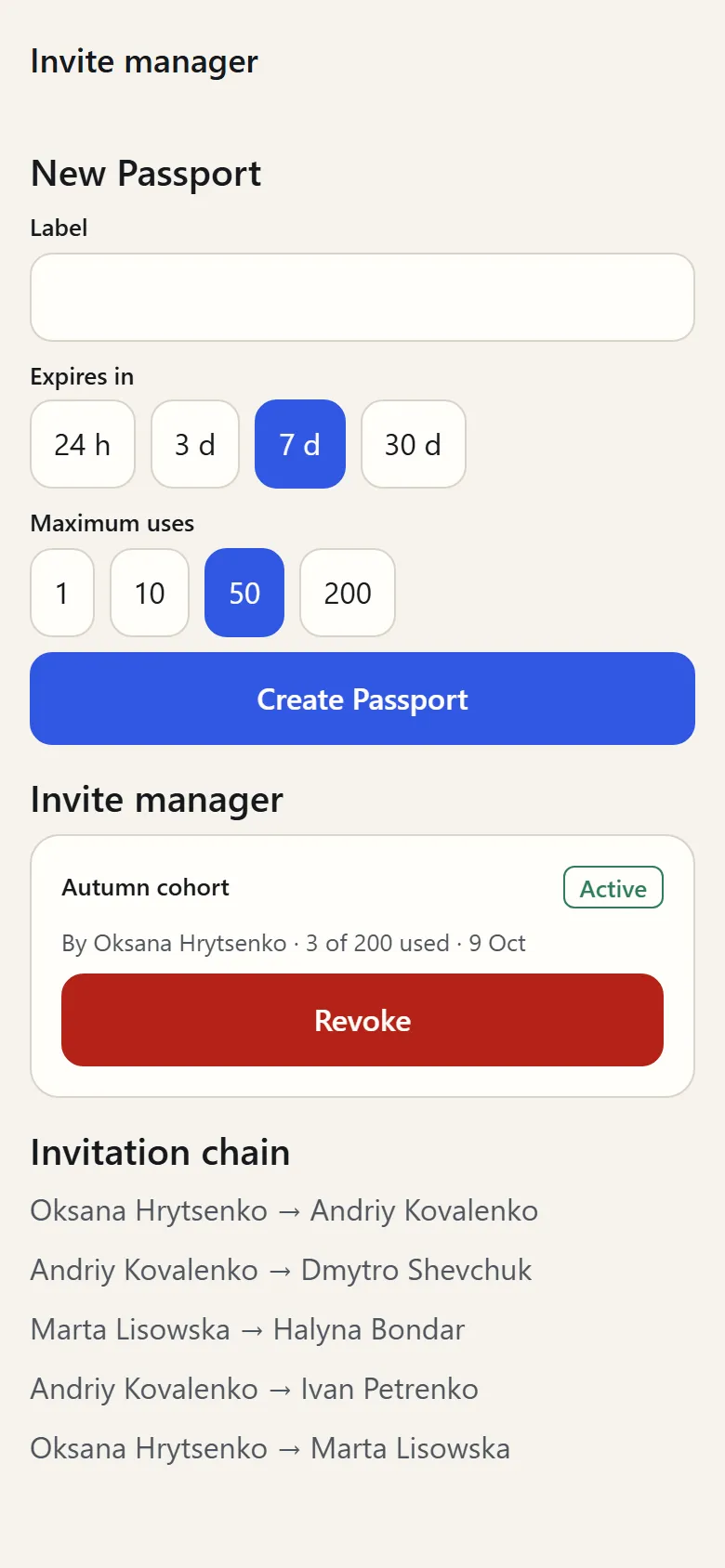
Organisers issue Passports with an expiry and a use limit, watch the invitation chain, and revoke a link that leaked.
Reports with chosen evidence
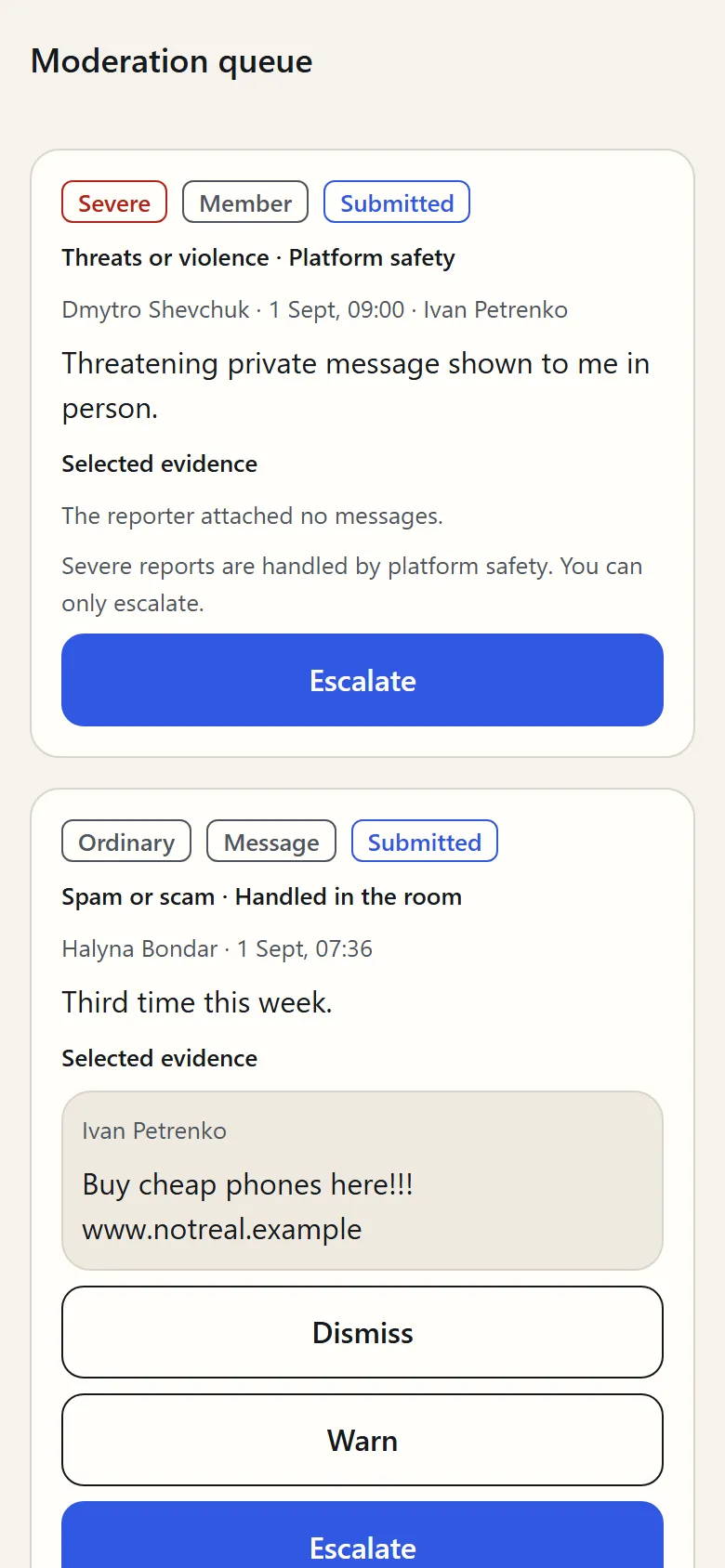
Only the messages the reporter ticked, with their reason.
Start with one room
Request a pilot roomMembers join through their organiser’s Passport link. Get the app